Most delays in a print job are artwork problems, and almost all of them come from the same four issues. None are difficult to avoid once you know what to check.
1. Bleed
Bleed is extra artwork extending beyond the final trim line, normally 3 mm on all sides. It exists because paper shifts fractionally during cutting, and without bleed you get a thin white sliver along one edge.
If your design has a background colour or image that runs to the edge, it must extend 3 mm past the trim. If everything sits comfortably inside a white margin, bleed is not needed.
2. Trim safety
The same cutting tolerance works inwards. Keep text and anything important at least 4 to 5 mm inside the trim line. Text sitting right at the edge is the single most common visiting card problem we catch before printing.
On folded items, also keep content clear of the fold lines. A headline straddling a crease looks like a mistake even when the fold is perfectly placed.
3. Resolution
300 DPI at final print size is the working standard for anything read close up. The phrase "at final size" is what matters — an image that is 300 DPI at postcard size becomes 75 DPI when enlarged to A3.
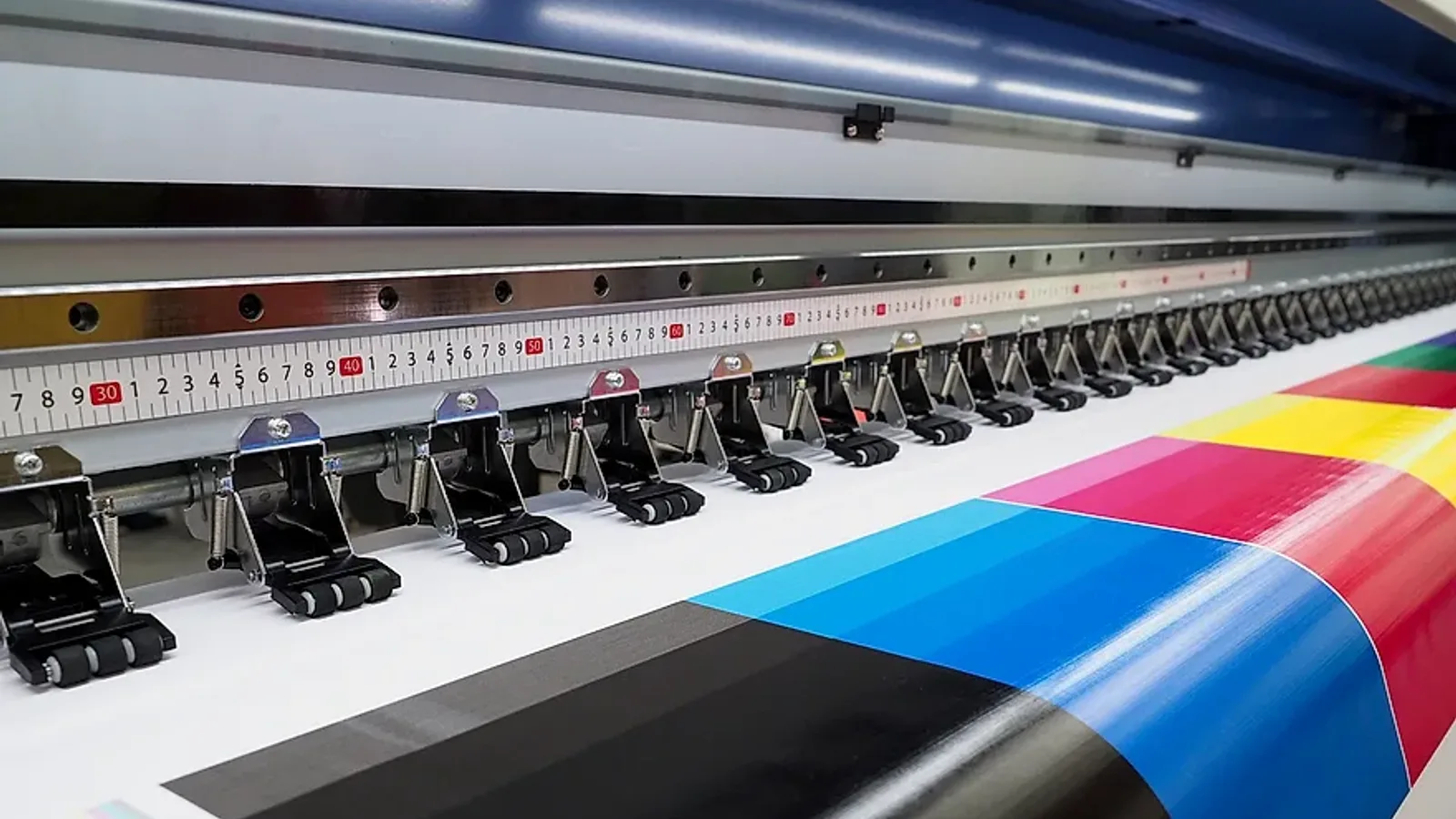
Large format is the exception. A hoarding read from across a road needs far less resolution, because viewing distance does the work. What matters more there is that the file was created at or near the final scale rather than scaled up from something small.
4. Colour mode
Print uses CMYK; screens use RGB. If you supply an RGB file it will be converted, and some colours — particularly bright blues, vivid greens and neon shades — shift noticeably in the process. Converting yourself lets you see and adjust the shift rather than being surprised by it.
If a specific brand colour has to be exact, supply the Pantone reference and mention it at the quotation stage, because it usually means printing offset with a spot ink.
5. Fonts
Outline or embed your fonts before sending the file. A font that is not embedded gets substituted, and the substitution is rarely noticed until the job is printed.
What to send
- Print-ready PDF is ideal — fonts outlined, CMYK, 3 mm bleed, crop marks.
- AI, CDR and PSD files are accepted, with linked images included.
- High-resolution JPG or PNG works for simple jobs.
- For multi-page documents, send single pages in reading order, not spreads. We handle imposition.
- For die-cut shapes, ask us for the cutting template before you design.
If you do not have artwork at all
That is a normal starting point. Send your logo in the best quality you have — vector if possible — along with the content you want included and any brand colours, and the artwork can be set up for your approval before printing.
The one thing worth avoiding is supplying a logo taken from a website or a WhatsApp forward. Those are low resolution by definition and no amount of processing recovers detail that was never there.